top of page
.png)
Design. Imagine. Illustrate. Create.
.GIF US TWO SECONDS!
One Frame at a Time
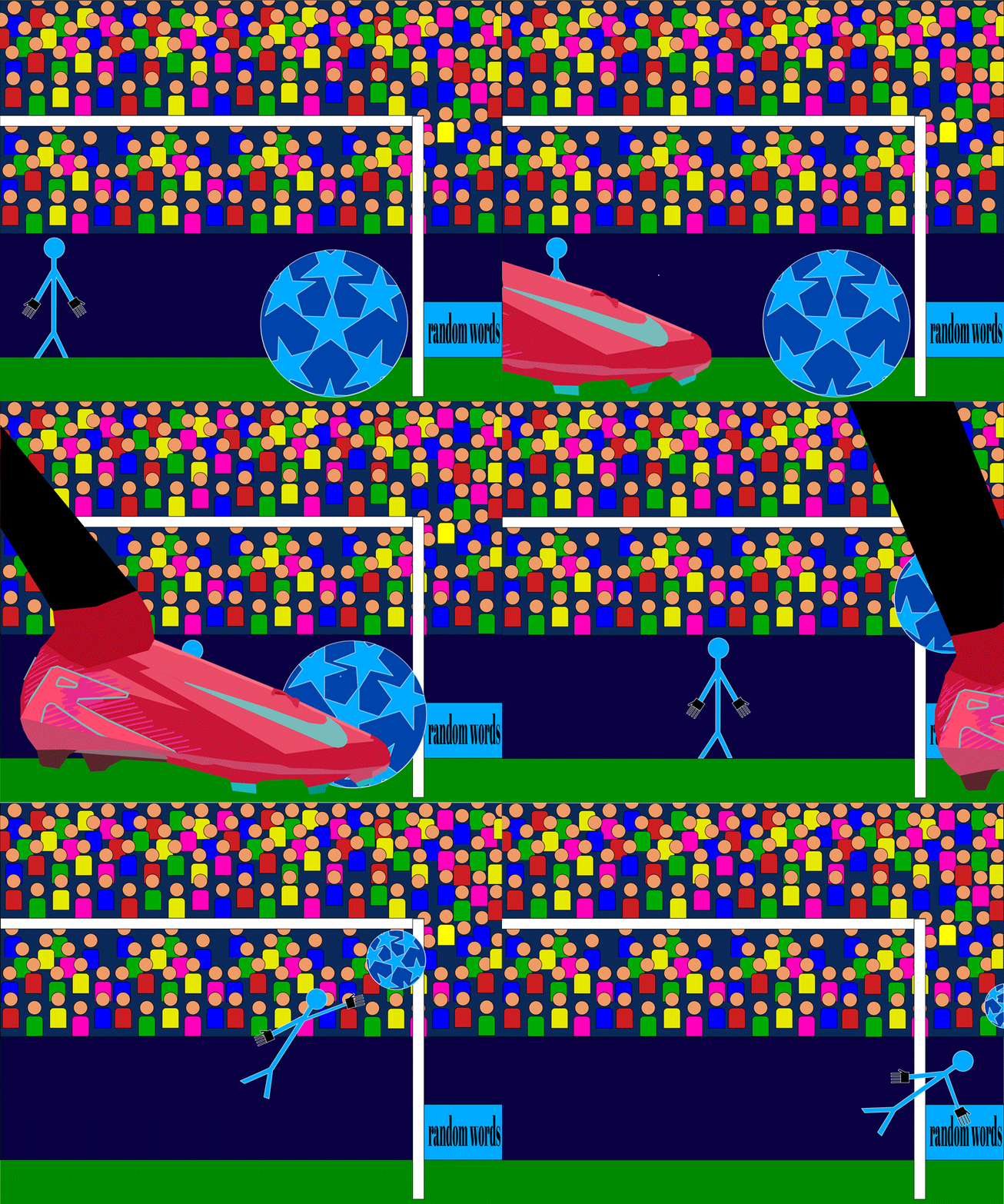
Students take their first steps into animation by creating 20 sequential artboards in Adobe Illustrator, with each frame introducing a small change to produce the illusion of movement. The artwork is then opened in Adobe Photoshop and assembled in the Motion workspace to create a continuous looping GIF. Through planning, sequencing, timing, and repetition, students discover how individual illustrations come together one frame at a time.


Frame-by-frame animation • Sequential artboards • Vector illustration • Timeline • Frame timing • Visual continuity • Looping • File organization • Adobe Illustrator • Adobe Photoshop • GIF export
SKILL FOCUS:
SOFTWARE:
Adobe Illustrator, Adobe Photoshop
COURSE:
Level 2
PROJECT #:
920
bottom of page